



Does good ergonomics save money? A guide for employers
Yes – over time, good ergonomics is one of the more sensible investments an employer can make. It lowers the risk of work-related musculoskeletal problems such as back and neck pain, which means fewer sick days, lower treatment costs and people who stay. This guide explains where the savings come from and how to get started.
Why ergonomics affects the bottom line
A poorly fitted workstation makes people tired, tense and distracted, and over months and years it raises the risk of back, neck, shoulder and wrist problems. A well-designed one does the opposite: people feel better, concentrate longer and are less likely to fall ill because of their work. That is why ergonomics belongs in the planning of every workplace, not only in the furniture budget.
Where the savings come from
- Less sickness absence. Healthy employees are absent less often, so work keeps moving and productivity stays up.
- Lower treatment and aid costs. Dealing with strain early reduces the need for later treatment, rehabilitation and special aids.
- Lower staff turnover. People who are comfortable at work are less likely to leave for a competitor, which cuts recruitment and training costs.
- A stronger employer brand. Well-equipped, ergonomic workspaces are an advantage on the job market and help attract new people.
For employees, the same changes mean more comfort, less strain and a lower risk of work-related ill health – which usually shows as better energy and performance through the working day. Ergonomics is prevention that pays back through people.
Where to start
- Map the current situation. A workplace assessment shows what each person actually needs, so the money goes where it has an effect.
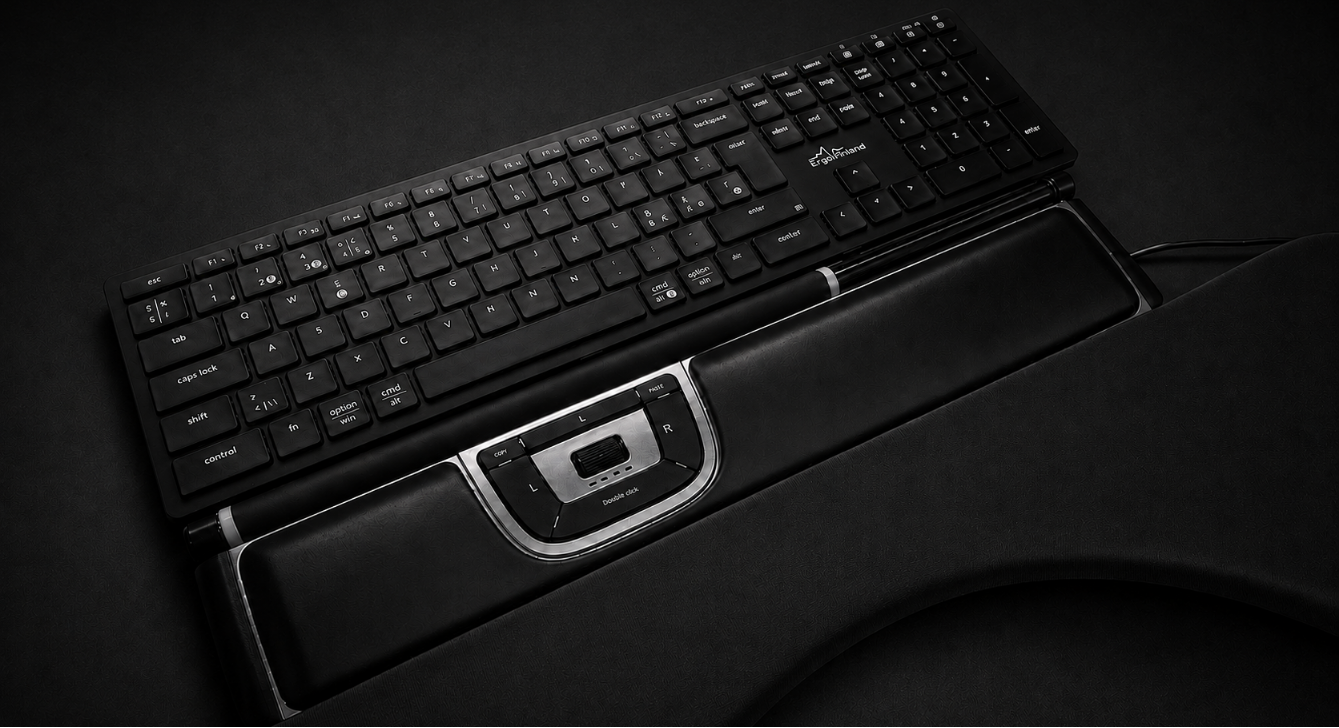
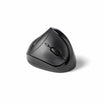
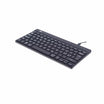
- Invest in the right equipment. Desks, chairs, keyboards and mice that fit the people using them. Typically the biggest effect comes from a height-adjustable desk, a well-adjusted office chair or active chair, a correctly placed screen (display arms and stands) and an ergonomic keyboard and mouse, such as a vertical mouse or centred mouse.
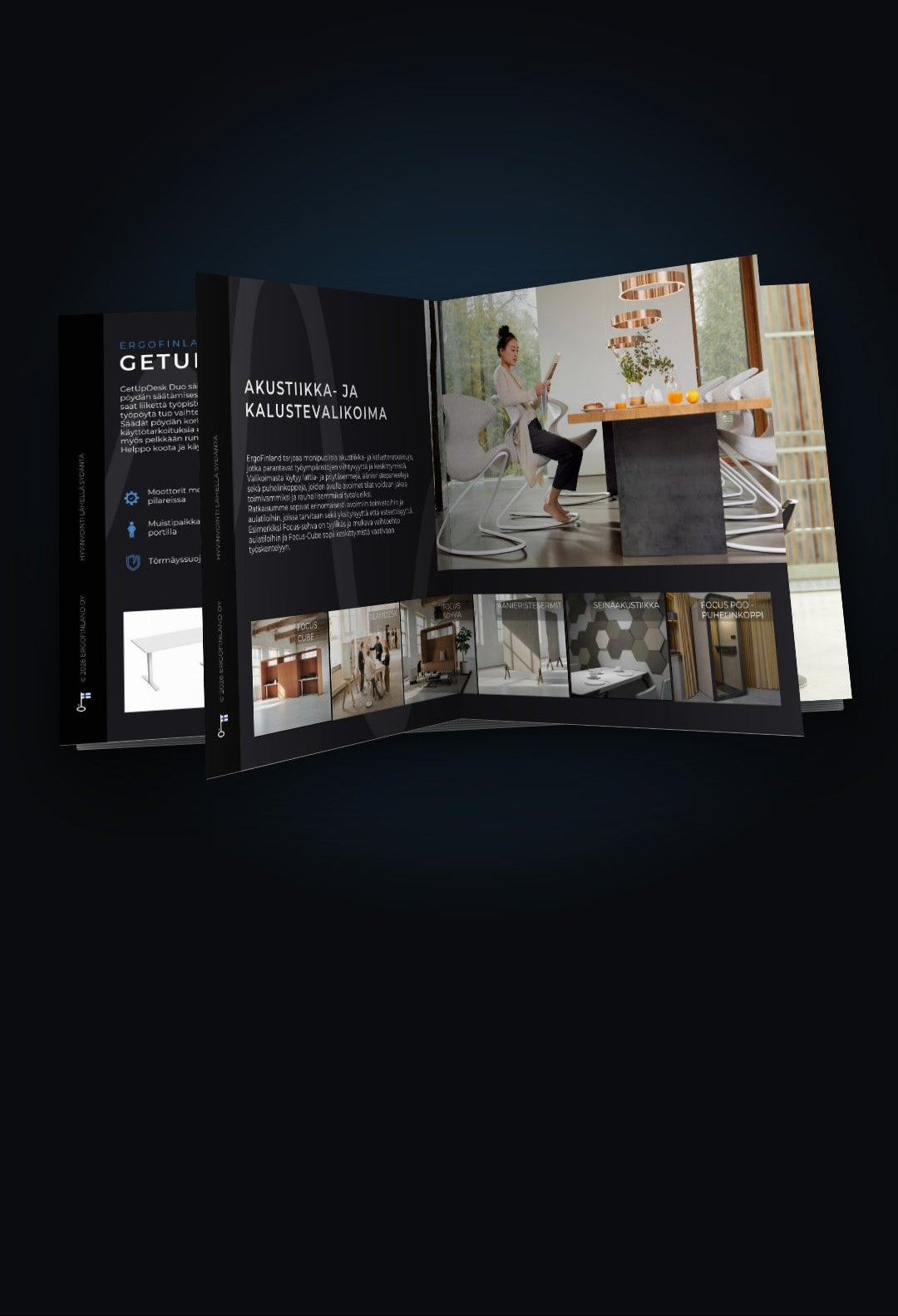
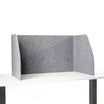
- Review the environment. Check lighting, noise levels (desk screens, wall acoustics) and temperature.
- Train your staff. Ergonomics workshops and practical guidance help people use their equipment correctly – adjustable furniture only helps if it is adjusted.
- Build a culture of movement. Allow enough breaks and encourage micro-breaks and exercise. Break exercise products make it easier.
- Don't forget remote work. The same principles apply to home offices.
Planning a whole office? Our office ergonomics guide covers space, layout and workstation setup. For employees working from home, see the home office guide.
How ErgoFinland can help
Contact us whether you are equipping one person or a large organisation.
- Free workplace assessment on site, remotely or in our showroom – see assessments and consulting.
- Showroom in Helsinki (Linnanherrankuja 16) with a wide range of products on display. Book a visit and our experts will be there for you. We can also present products remotely by video.
- Workplace visits and product trials, so you can be sure a product suits the user; business customers can try products for 14 days. We also show you how to use the products.
- Tailored solutions from individual needs to large workspace projects, with a cooperation and reseller network across Finland.
Customer service: +358 9 759 7330, info@ergofinland.com, Monday–Friday 8:00–16:00.
Frequently asked questions
Is investing in office ergonomics worth it? Over time, yes. The savings come from fewer sick days, lower treatment and aid costs, better productivity and lower staff turnover.
What should a company buy first to improve ergonomics? Start with an assessment rather than a shopping list. Usually the biggest effect comes from a desk and chair that fit the person, a correctly placed screen and a suitable mouse and keyboard.
Is good equipment enough? No. People also need guidance on adjusting their workstation, and a work culture that allows breaks and movement.
Does ergonomics matter for employees working from home? Yes. Home workstations are often improvised, so the same principles apply. We help with both office and home setups.
Can we try products before buying? Yes. Visit our showroom, ask for a remote demo or, as a business customer, use our 14-day trial. More answers in our FAQ.
Related guides: Office ergonomics: planning healthy workstations · Ergonomic home office · Height-adjustable desks: setup and use · Buyer's guide: office chairs
Partners