



Office ergonomics: planning healthy workstations and spaces
A healthy office gives people enough space, workstations that adjust to each person, and an environment that supports both focused work and collaboration. Many of the aches that come with computer work – tired eyes, neck and shoulder strain, sore wrists – can be avoided or eased this way. This guide covers the space, the workstation and the equipment, in that order.
What causes strain in office work
Office work is physically light, yet many people end the day tired and aching. Some complaints pass; some can become permanent. Constant change in technology and the flow of new information add mental strain too. The main physical causes are:
- sitting for long periods without breaks
- repetitive movements, such as hours of mouse and keyboard use
- bent and twisted postures, for example a screen placed off to the side
- cramped or awkward positions caused by a poorly arranged workstation.
Accidents are rare in office work. Instead, everyday wellbeing is shaped by the environment: lighting, temperature, air quality and where furniture and equipment are placed.
Planning the space
Office work means processing and creating information, and working together in meetings, in person and online. A good office supports both focused work and interaction; the right balance depends on what the work actually requires. An open-plan office can support an open culture, but choose it because it suits the work.
Space planning often minimises floor area and assumes work is best done sitting still. But long sitting is tiring, and a well-planned office encourages movement.
Practical guidelines:
- Single-person office: a recommended minimum of 10–12 m²
- Open-plan office: reserve 7–8 m² per person
- Leave at least 1 m² for an office chair to turn and move
- Keep walkways clear, with no protruding parts or sharp corners on furniture along them
- Provide enough storage to keep the space tidy
- Choose furniture and tools that allow varied, comfortable working positions
The image the office conveys, its location and its comfort also affect motivation and wellbeing.
Setting up the workstation
The basic rule: screen top at or just below eye level, elbows at roughly 90°, and change position often.
Desk: alternate sitting and standing
A height-adjustable desk lets people work sitting, standing or half-standing. Options include electric, gas-spring and manually adjusted desks, as well as desktop units placed on an existing table. With an electric frame you can keep an existing tabletop or choose a new one. How to set the right heights: height-adjustable desk guide.
Chair: keep moving
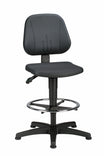
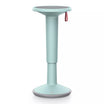
Seated work is often passive, so even on a good office chair it pays to change position regularly. Active chairs and saddle chairs bring movement into sitting – see our guide to active sitting. Now and then sit on an exercise ball or stretch, and take phone meetings on a headset while walking.
Standing: stand smart
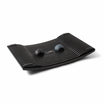
Standing is more active than sitting, but standing still for a long time loads the legs and back. Standing mats and the Gymba balance board make standing work easier.
Mouse and keyboard
- Ergonomic mice come wired and wireless, for right- and left-handed users, and some models in several sizes.
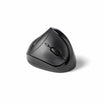
- Vertical mice guide the wrist into a more natural position, which can help prevent strain.
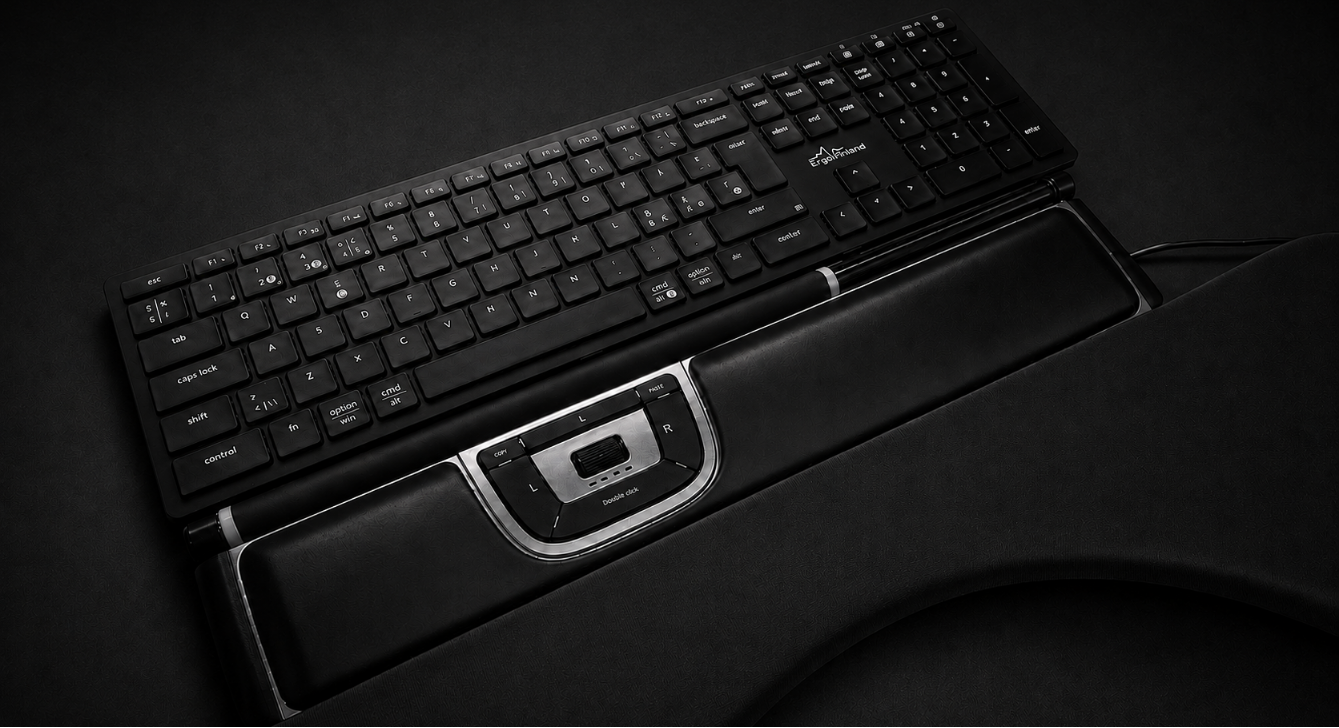
- Centred mice bring mouse use to the body's midline and let you work with either hand.
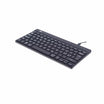
- Keyboards come wired and wireless; waterproof keyboards suit clinical environments.
Supports and lighting
- Elbow supports attach to the desk edge and carry the forearms, easing the load on the neck and shoulders. See armrests.
- Wrist supports support the wrists while typing.
- Footrests help if your feet don't reach the floor.
- Back supports add lower-back support when the chair's backrest isn't enough; they are removable and easy to take with you.
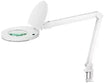
- Desk lamps stand on or clamp to the desk and improve visual comfort and concentration.
Screens for privacy and acoustics
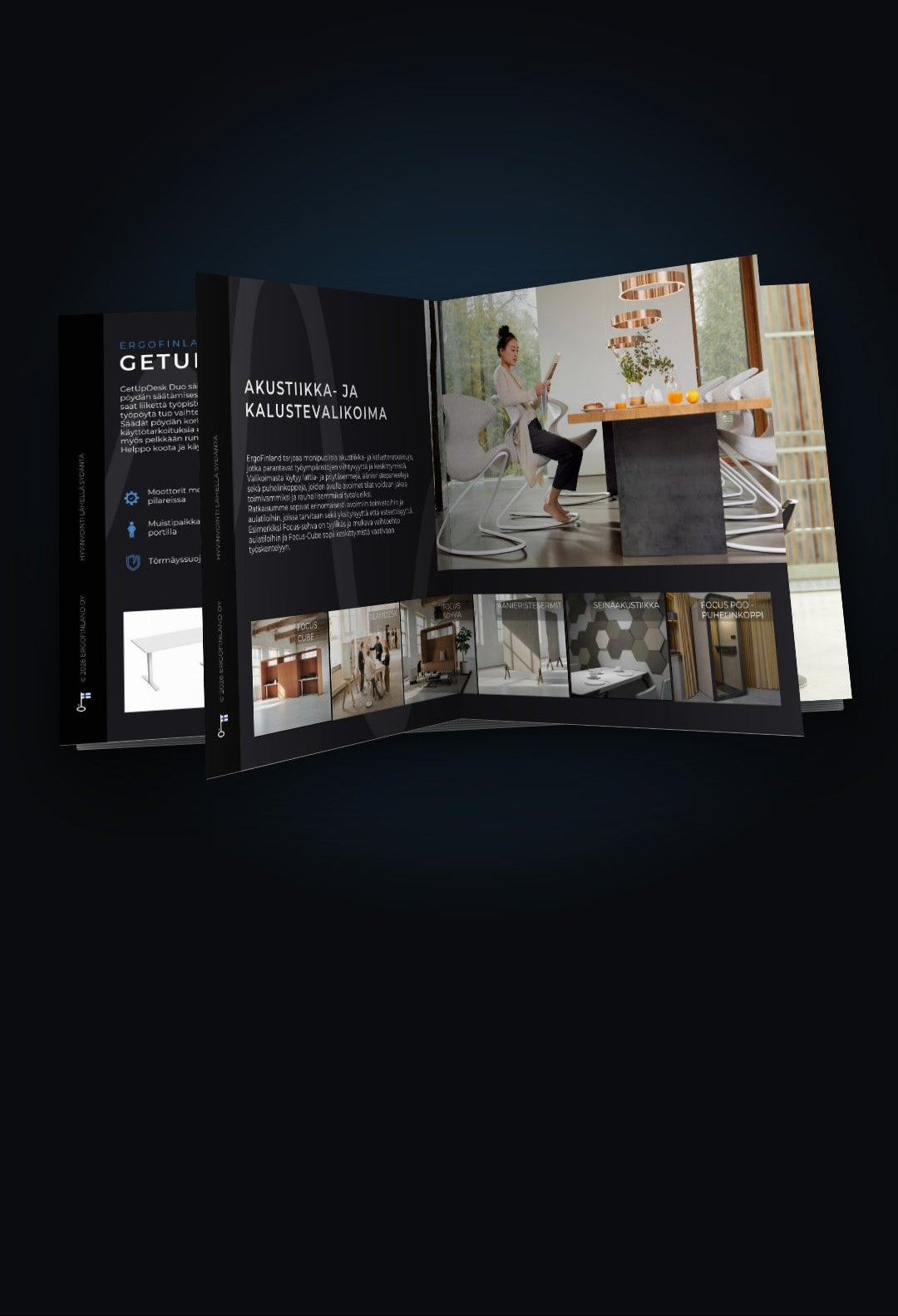
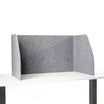
Sound-absorbing screens give visual privacy, dampen noise and make it easier to concentrate. Choose from floor screens, desk screens and electrically adjustable screens. Other colours are available to order.
Why it is worth it
Good ergonomics aims at more comfortable work, healthier employees, better quality and productivity, and fewer sick days. For the business case, see Does good ergonomics save money?
How ErgoFinland helps
Our experts help you find the right solutions for each environment, from a single workstation to a whole office. Start with a free workplace assessment – on site, remotely or in our Helsinki showroom. Products can be tested in the showroom and, where possible, at your premises: book a visit, or try products for 14 days as a business customer with our trial.
Frequently asked questions
How many square metres does an office workstation need? A recommended minimum is 10–12 m² for a single-person office and 7–8 m² per person in an open-plan office, with at least 1 m² for the chair to move.
Is it better to stand or sit at work? Standing is more active, but standing still also strains the legs and back. The best option is to alternate between sitting, standing and moving.
What is the best mouse for wrist pain? Many people find a vertical mouse comfortable because it keeps the wrist in a more natural position; a centred mouse is another option. Trying is the surest way to know – see our Buyer's guide: ergonomic mice.
Does ErgoFinland do workplace ergonomics assessments? Yes. Our workplace assessment is free and can be done on site, remotely or in our Helsinki showroom. Business customers can also try products for 14 days. More in our FAQ.
Related guides: Does good ergonomics save money? · Height-adjustable desks: setup and use · Active sitting · Buyer's guide: office chairs · Buyer's guide: ergonomic mice · Buyer's guide: height-adjustable desks
Partners