



Height-adjustable desks: how to set up and use one
A height-adjustable desk lets you fit the desk to your body instead of the other way round, and switch between sitting and standing during the day. The benefit comes from changing position, not from standing all day. This guide shows how to set the right heights and how to make the desk part of your routine.
Why a fixed desk height isn't enough
People differ in height, chairs differ, and the right height for typing while seated is not the right height for standing. A fixed desk rarely fits anyone exactly. An adjustable desk can be set to fit you, and changed whenever you change position.
At the right height, the strain that leads to fatigue and back pain is reduced. Lowering the desk to sit and raising it to stand improves your posture and keeps you moving more during the day. And when you are less tired and in less pain, it is easier to concentrate and keep your energy up through the afternoon.
How to set the right height
Sitting
- Adjust your chair first: feet flat on the floor (or on a footrest), thighs roughly horizontal.
- Then set the desk so your elbows are at about 90° with relaxed shoulders, and your forearms rest lightly on the desk.
Standing
- Stand straight with relaxed shoulders and raise the desk using the same rule: forearms level, wrists straight.
- Don't lock your knees, and shift your weight now and then.
Screen, keyboard and mouse
- Place the top of the screen at or slightly below eye level, about an arm's length away. A monitor arm or stand keeps it in the right place at both heights.
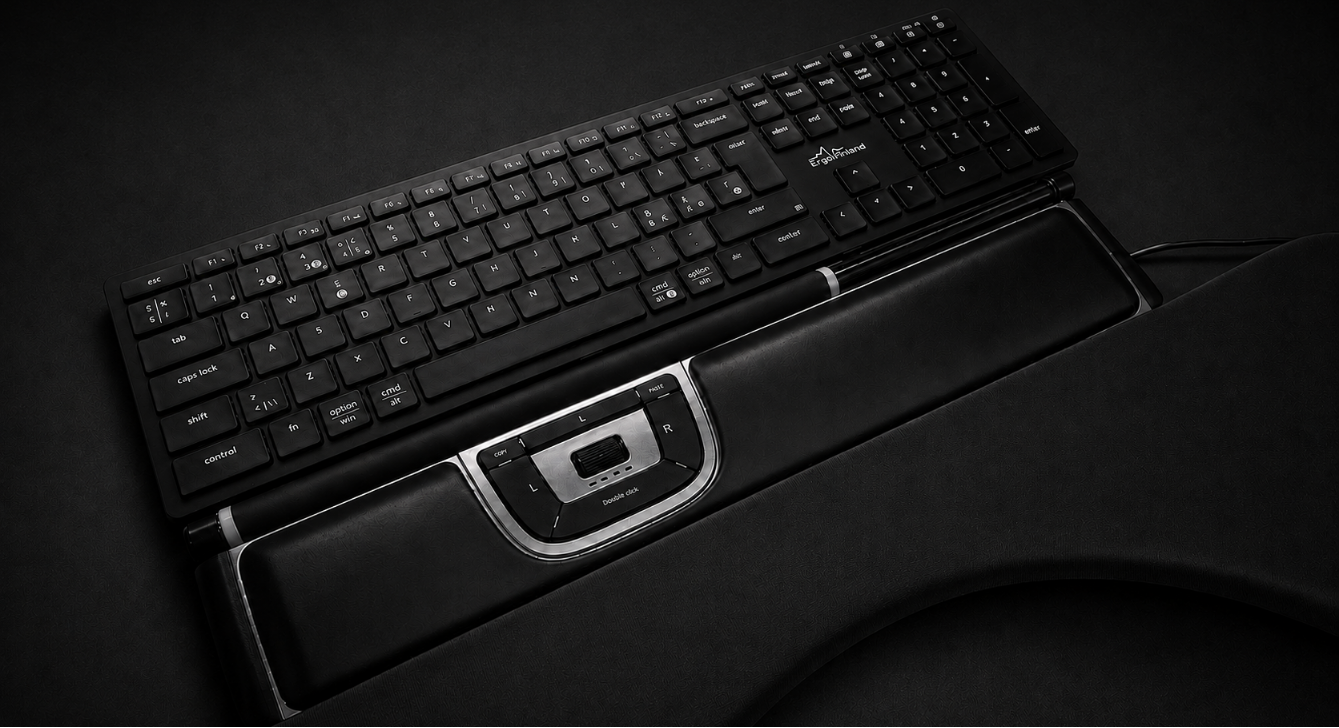
- Keep the keyboard and mouse close so you don't reach forward. Our Buyer's guide: ergonomic mice helps you choose a mouse.
How to use it every day
- Switch several times a day. Let a phone call or a new task be your cue.
- Save your heights. If the desk has memory buttons, store your sitting and standing heights so switching takes a second.
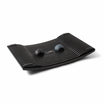
- Make standing comfortable. A standing mat eases the load on your feet and legs.
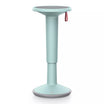
- Keep moving when you sit, too. Pair the desk with an active chair, or a saddle chair for a half-standing posture. See our guide to active sitting.
What to look for when buying
The short version:
- Load capacity and tabletop size that fit your screens, laptop and space.
- Height range that suits you both sitting and standing – especially important for very tall or short users and shared desks.
- Electric or manual adjustment, and easy-to-use controls.
- Stability at standing height.
- Storage and cable management – tidy cables are also safer when the desk moves. See table accessories.
- Complete desk or frame + top: you can also buy a frame and a separate tabletop.
For the full comparison, read our Buyer's guide: height-adjustable desks, or browse all adjustable desks.
Get help choosing
We offer a free workplace assessment on site, remotely or in our showroom at Linnanherrankuja 16, Helsinki. Book a showroom visit or demo to try desks in person, and business customers can try products for 14 days.
Frequently asked questions
How high should a standing desk be? Roughly at elbow height: with relaxed shoulders, your elbows are at about 90° and your forearms level with the desktop. The same rule applies when sitting.
How long should I stand at a standing desk each day? There is no single right amount. What matters is changing position regularly rather than sitting or standing for long stretches.
What else do I need besides a height-adjustable desk? A standing mat, a monitor arm and a good chair make the setup work at both heights. A free workplace assessment shows what you actually need.
Can I try a height-adjustable desk before buying? Yes – book a visit to our Helsinki showroom. Business customers can also use our 14-day trial. More answers in our FAQ.
Related guides: Buyer's guide: height-adjustable desks · Active sitting · Ergonomic home office · Office ergonomics
Partners