



Ergonomic home office: setups for any space
A good home workstation comes down to a few things: the screen at about eye level, a separate keyboard and mouse, a chair that fits you, and changing position often. Good ergonomics can improve your wellbeing, help prevent back and neck strain and reduce sick days. What makes sense at home depends on your space, so this guide is organised by how much room you have: none, a small work corner, or a room of your own.
Home office setups by space
No space: the kitchen table
When you work at the kitchen table, everything has to be packed away at the end of the day. Look for products that are:
- easy to move and store
- compact
- still a real improvement to your working posture.
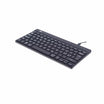
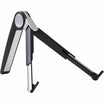
Good starting points are a laptop stand that raises the screen (display arms and stands), a separate keyboard and mouse, and a desk riser that lets you stand for part of the day and lifts off the table when you are done.
Little space: a work corner
A permanent corner gives you more options, but every centimetre still counts. Look for products that offer:
- adjustability, so the setup fits you rather than the other way round
- the possibility to vary your working position
- easy, safe everyday use
- good value for money.
A compact height-adjustable desk, a well-adjustable office chair and a monitor arm are often enough to turn a corner into a proper workstation.
More space: a home office room
With a room of your own you can build a setup as good as a well-equipped office. Here it pays to choose:
- high-quality solutions that last for years
- products that let you change your working position
- several solutions combined, for example a height-adjustable desk, an ergonomic office chair, an active chair and a standing mat.
Planning a complete room? Our workplace assessment is free and can also be done remotely.
Tips for working from home
- Change position often and take micro-breaks.
- Stand when you can. A desk riser or a height-adjustable desk lets you work standing for part of the day. See our guide to height-adjustable desks for the right heights.
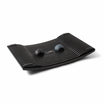
- Make standing easier. A standing mat or a Gymba balance board eases the load on your joints and keeps your body moving.
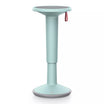
- Sit actively. An active chair or a saddle chair keeps you moving while you work – more in our guide to active sitting.
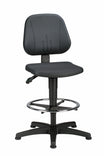
- Get a good chair. Choose an office chair with enough adjustment options; our Buyer's guide: office chairs helps you compare.
- Put the screen at the right height, with the top roughly at eye level. Use a monitor arm for a separate screen, or a GetUpDesk laptop stand for your laptop.
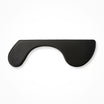
- Support your elbows. If your neck and shoulders ache, an elbow support attached to the edge of the desk relieves the load.
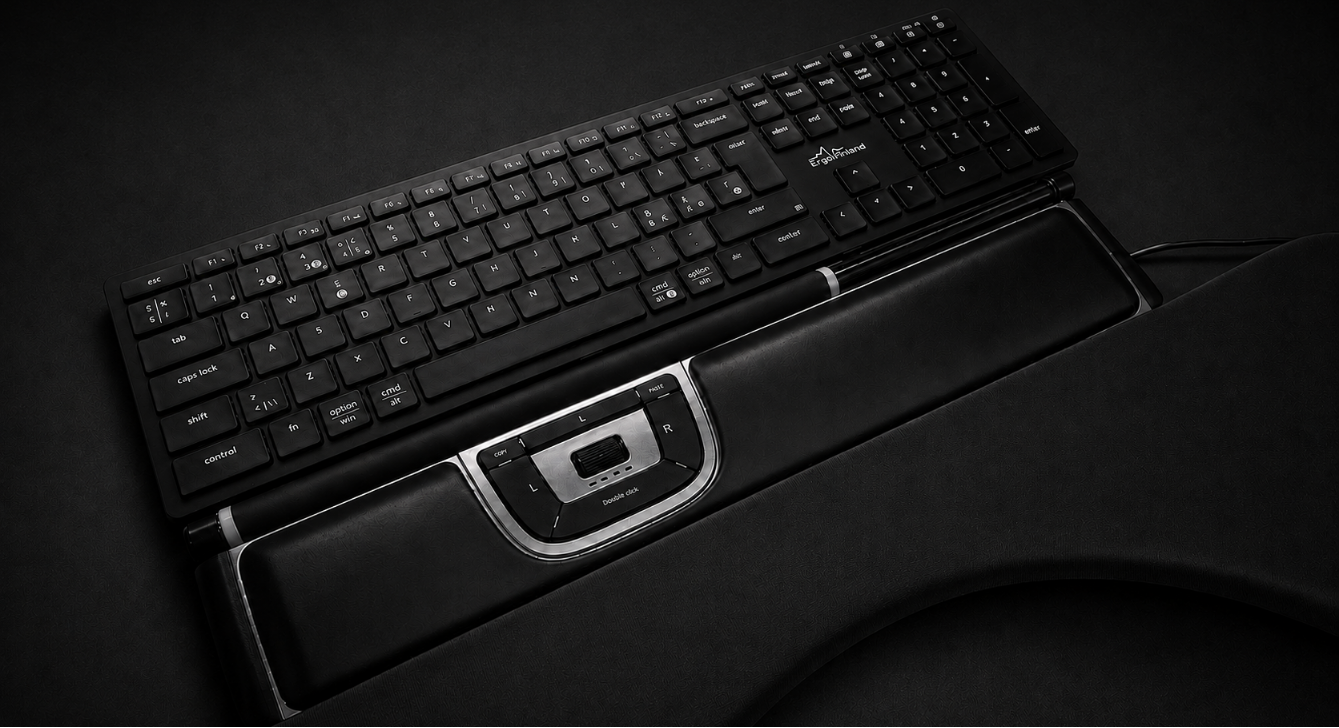
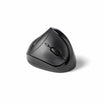
- Choose an ergonomic mouse. A vertical mouse guides your wrist into a neutral position and can reduce the symptoms of "mouse arm"; a centred mouse brings mousing to the midline of your body and relieves your arms and shoulders. See our Buyer's guide: ergonomic mice.
- Walk while you talk. Take phone calls on a headset and move around.
Browse all home office products.
Try before you decide
- Visit our showroom at Linnanherrankuja 16, Helsinki, and try chairs, desks and mice in person: book a visit or demo.
- Business customers can try products for 14 days, for example when equipping employees' home offices. Employers can read more in Does good ergonomics save money?
- Get a free workplace assessment on site, remotely or in our showroom: read more.
Frequently asked questions
How do I make working at the kitchen table more ergonomic? Raise the laptop screen to about eye level with a laptop stand and use a separate keyboard and mouse. Choose compact products that are easy to put away, and get up often.
Do I need a standing desk at home? Not necessarily. A desk riser on your existing table lets you alternate between sitting and standing. If you have a permanent work corner or room, a height-adjustable desk is the more flexible option.
What should I fix first in my home office? Usually the chair and the screen height. An adjustable chair and a screen at eye level fix many common neck and back complaints; after that, focus on changing position often.
Can I get help setting up my home office? Yes. ErgoFinland's workplace assessment is free and can be done remotely, on site or in our Helsinki showroom.
Can companies try products for employees' home offices? Yes. Business customers can try products for 14 days before deciding. More answers in our FAQ.
Related guides: Height-adjustable desks: setup and use · Active sitting · Does good ergonomics save money? · Buyer's guide: office chairs · Buyer's guide: ergonomic mice · Buyer's guide: height-adjustable desks
Partners